Checking whether a ramp or sloped slab meets code is one of those small tasks that eats up more time than it should. Pull elevations from the model, do the rise-over-run math by hand, cross-check it against the allowed ratio, and hope you didn’t fat-finger a number. Multiply that across a project with a dozen ramps and it adds up fast.
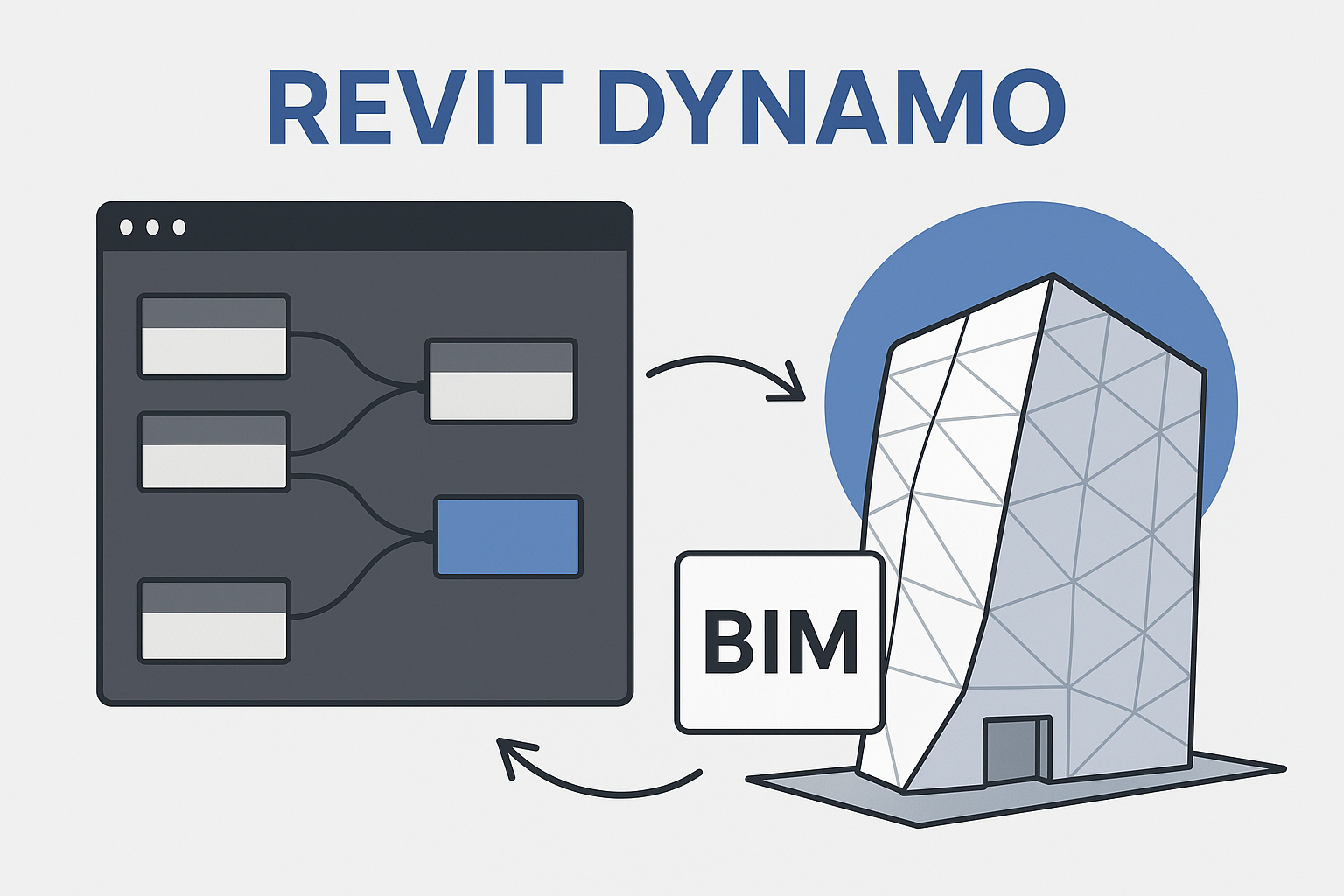
So we built a tool to do it instead: a pyRevit plugin that lives right inside Revit and turns a slope check into a ten-second task.
How it works
- Select the model lines that represent the ramp or slab edge directly in the Revit canvas.
- Enter the low point and high point elevations, plus a label for the surface being checked.
- The tool sums the selected line lengths to get the run, calculates the rise/fall, slope percentage, and slope ratio (1:X), and checks it against the allowed maximum ratio.
- It returns an instant pass/fail result. If it fails, it tells you exactly how much to extend the run, or how much to reduce the rise, to bring it into compliance.
Everything runs through a small in-Revit popup window, so there’s no exporting, no spreadsheet, and no separate app to keep open. Select your lines, fill in two numbers, click Calculate.
Why it matters
Slope compliance issues are the kind of thing that are cheap to fix in the model and expensive to fix on site. Catching a non-compliant ramp during design, in seconds, instead of during a site walk, is the whole point. It’s a small tool, but it removes a recurring manual check from the workflow and takes the guesswork out of ratio math.
This is one of a handful of internal pyRevit tools we’ve built to speed up recurring modeling and QA tasks — more on those soon.
Leave a Reply